How to Prepare Artwork for Custom Printed Neoprene
Before You Start: What You Need
To achieve the best possible result on custom printed neoprene fabric, your artwork file must meet a few technical requirements. The good news is that they are straightforward to follow.
Accepted Formats
PNG (Recommended for designs with transparency)
JPG/JPEG (Ideal for photographs)
PDF (Professional, preserves vectors)
SVG (Perfect for logos and vector graphics)
Step 1: Set Up Your Canvas Size
Each neoprene panel measures 100 × 80 cm. Your design must be adjusted to these dimensions:
Minimum Resolution: 150 DPI (200 DPI recommended for maximum quality)
Pixel Size (150 DPI): 5906 x 4724 px
Pixel Size (200 DPI): 7874 x 6300 px
Color Profile: RGB (Sublimation works in RGB, not CMYK)
Step 2: Design with Safety Margins
Leave at least a 20 mm safety margin on each side where no critical elements (text, logos or fine details) are placed. Printing and cutting can shift slightly, and this buffer helps protect the final result.
Design Tips
If your design goes edge-to-edge, extend it 5 mm beyond the limit (bleed).
Keep text at least 20 mm away from the edge.
Avoid very thin lines ($<0.5$ mm), as they may not render well.
Step 3: Colors and Color Profile
Neoprene sublimation works with RGB colors. If you design in CMYK (standard for traditional printing), colors may vary slightly.
Color Tips
Always work in RGB mode.
Neon or highly saturated colors may appear slightly muted.
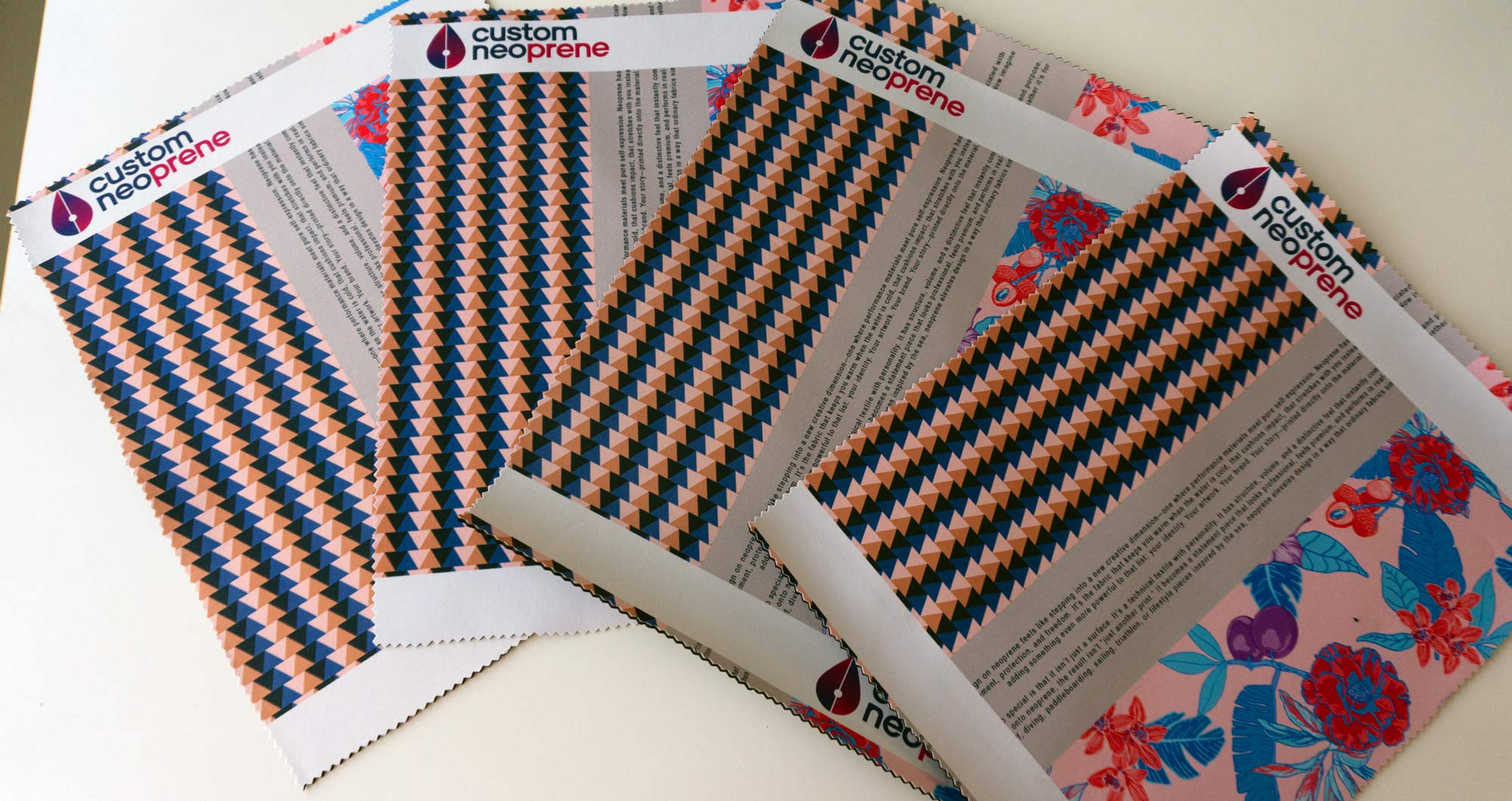
Orange and light brown tones are the colors most likely to experience shifts when printed on neoprene.
If you need exact color matching, we recommend placing an initial order for a single panel with color tests to see the results and choose your favorite.
Step 4: Upload Your Design
Go to our Design Tool.
Select the neoprene type (SBR, CR, or Foam).
Drag and drop your file into the upload area.
Adjust the position and scale if necessary.
Preview the result before confirming.
Step 5: Cutting and Sewing Neoprene
Once you receive your printed panel, you can cut and sew it:
Cutting Tools
Sharp fabric scissors for curves and complex shapes.
Rotary cutter for straight and precise cuts.
Metal ruler as a guide for straight cuts.
Sewing Tips
Use a Jersey needle (ballpoint) to avoid piercing the fibers.
Use medium presser foot pressure to avoid deforming the material.
Use durable polyester thread (cotton deteriorates with moisture).
For professional finishes, consider using elastic bias tape and seam sealer tape.
Common Mistakes to Avoid
❌ Sending designs at less than 100 DPI (they will look pixelated).
❌ Using CMYK profiles (colors will shift).
❌ Not leaving safety margins (risk of cutting off the design).
❌ Expecting colors to look exactly as they do on your screen.
❌ Using internet-downloaded images without adequate resolution.